
Download Rizzman for your phone, or start in your browser
Use the Rizzman app on iPhone or Android, or keep using the browser tools for photo feedback, openers, and chat replies.
All current app tools are free with ads. Rizzman Pro removes ads.

Inside the app
Preview the Rizzman app
See the real mobile experience for photo feedback, personalized openers, and chat replies.
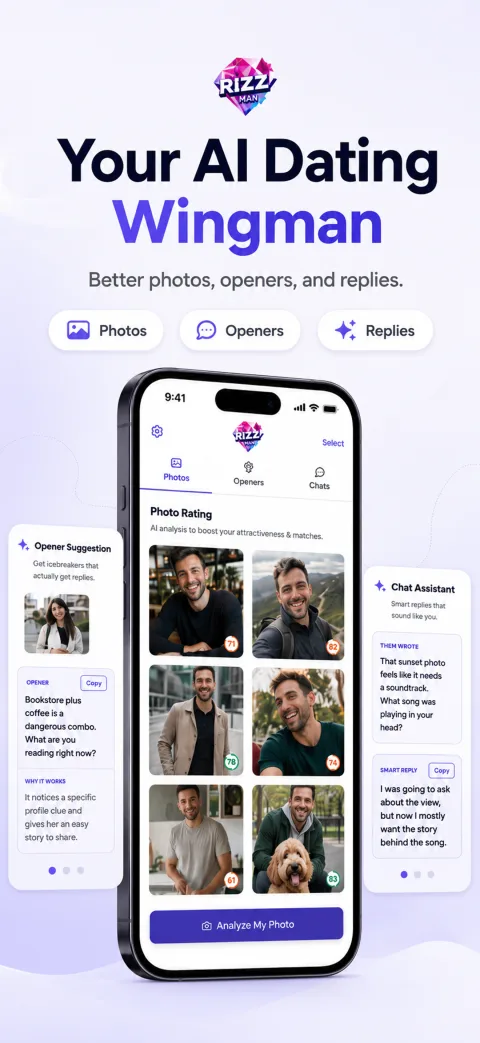
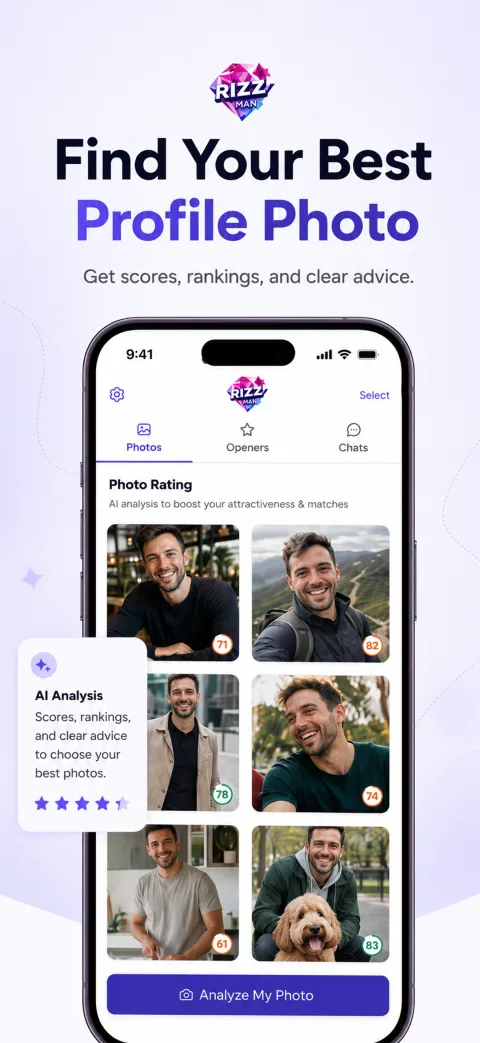
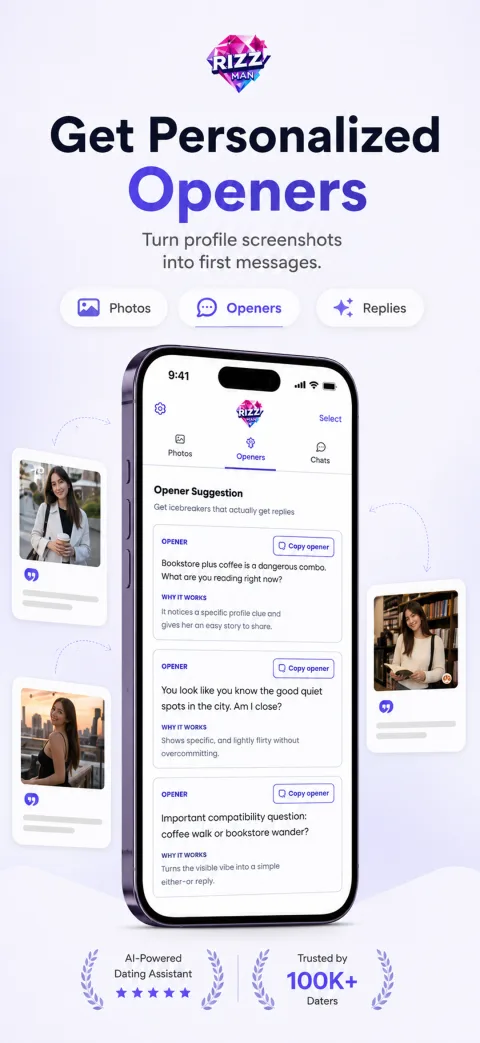
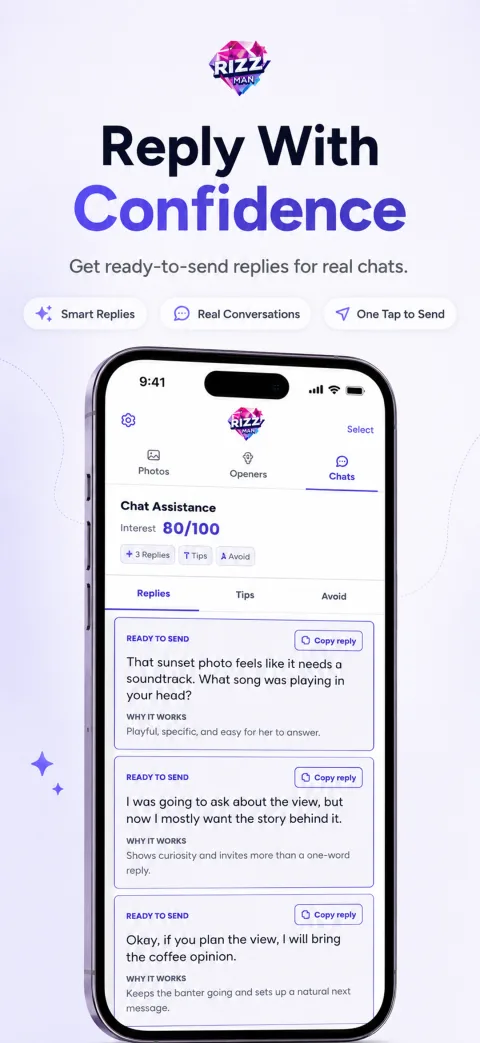
Start in your browser
Pick the tool for your next move
Each tool is built for a specific dating-app moment, so you can fix the next decision without downloading anything first.
Rate dating photos
Fast feedback on photo order, lighting, and the first impression your profile makes.
Open toolGenerate openers
Turn profile details into specific first messages that are easier to answer.
Open toolFix chat replies
Rewrite replies so they sound clearer, warmer, and less forced.
Open toolUse the app when you want mobile, use the web when you want speed
The iPhone app and browser tools are two ways to get the same kind of dating app help: photo feedback, personalized openers, and better replies before you send.
- 1
Download the mobile app
Use the iOS or Android app when you want Rizzman close at hand while editing your profile or messages.
- 2
Use web tools without installing
Photo feedback, openers, and chat replies all run in your browser if you prefer not to download.
- 3
Stay private either way
Upload only what you are comfortable having processed. The AI safety page explains the limits.
Fix the next message in minutes
Browse copy-ready examples or upload a screenshot and let the tools write for your exact match.